Tech Devices and Platforms Facilitate Clearer Exchanges
AI translation technology’s use expanded during the COVID-19 pandemic as schools sought ways to stay connected with multilingual families, says Sophie Othman, an associate language education and technology professor at the University of Marie and Louis Pasteur in France.
“They’ve been a real game changer,” says Othman, who also chairs the National Association for Bilingual Education’s AI and educational technology special interest group. “Teachers can now translate announcements, emails and even live conversations instantly.”
WATCH: Four AI trends to look out for in 2026.
In 2001, roughly 100 English language learners attended Charlotte County Public Schools in southwest Florida. Today more than 800 are enrolled who speak languages ranging from Haitian Creole to Russian, says Public Information Officer Claudette Smith.
In 2023, the district began using TranslateLive’s AI-enabled Instant Language Assistant dual-screen device in meetings with parents to discuss their child’s progress or behavior. An administrator selects from more than 200 languages, presses a button and speaks; parents see a translated version of the comments.
The ILA automatically detects what language is being spoken and adjusts the translation output as needed. Preprogrammed phrases help expedite interactions between school staff members and parents.
“Years ago, they mainly used phones and a lot of hand signals — trying our best by any means possible to communicate,” Smith says. “We have several bilingual staff members, but we don't have someone at each school, and it might not be the language the family speaks. Now we can communicate with families without a delay.”
Some of the tech solutions schools already use regularly may offer translation capabilities that teachers and staff members can use to converse with families.
“Tools like Microsoft Translator and education-specific platforms allow teachers to communicate with multilingual families in real time,” Othman says. “It saves time, reduces misunderstanding and opens up communication that just wasn’t possible before.”
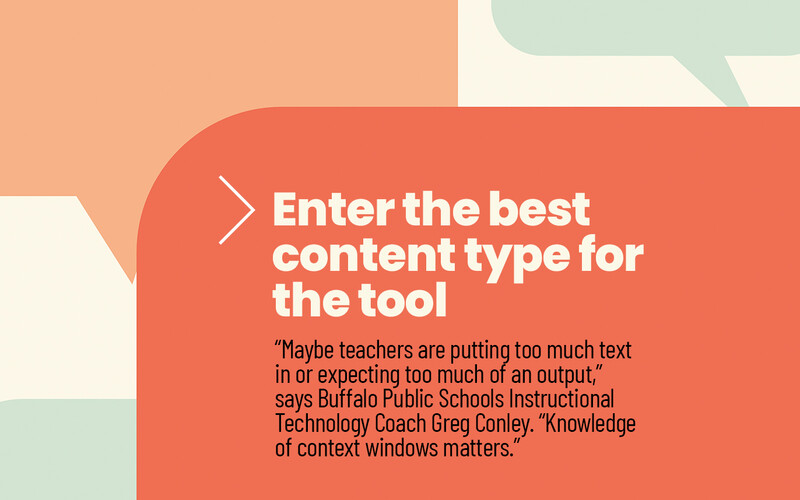
Schools may also already possess hardware to pair with translation solutions, such as headphones and microphones, Conley says.
“They don’t have to spend a lot of money; perhaps subscription fees to use an enterprise package of whatever service they want to use,” he says. “There are live translation features from common tools like Google Translate.”
Microsoft Translator, for example, can be used to translate verbal content from a lesson — transmitted via a Bluetooth connection to a phone in the teacher’s pocket — into the language a student chooses, says Conley. The student then accesses the content by entering a code into a school-provided device.
“When the students join the conversation, they select their language,” he says. “Depending on the language, there's an auto-speak feature, as well. Students can have it read to them, if they're low in literacy, and respond in their home language. It will translate what they say into English.”
With an Effective Translation Tool, Family Participation Prospers
Language barriers can pose other challenges in addition to learning comprehension. Complicated interpersonal connections, for instance, may leave students feeling socially and emotionally isolated, Othman says.
Parents, too, might struggle to make contact.
“Many genuinely want to be involved in their child’s education but feel left out of the conversation,” Othman says. “Some are afraid of being misunderstood or judged because of their language skills. This can lead to confusion about academic expectations or behavior issues. We know strong school-family connections are key to student success.”
Using an ILA device to have face-to-face conversations with parents has proved beneficial when discussing topics such as subject areas a student could strengthen, or summer camp and other enrichment programs offered by the school district, Smith says.
“It truly is a real conversation. As I’m speaking, it’s translating,” she says. “Instead of just sending out front-office communications, they're pulling them into meetings so they can actually engage with families about their student’s education.”
When assessing which AI-based translation tools will align with a district’s needs, security will likely be a consideration. Some schools have made commercial solutions available to employees instead of encouraging them to use a publicly available chatbot.
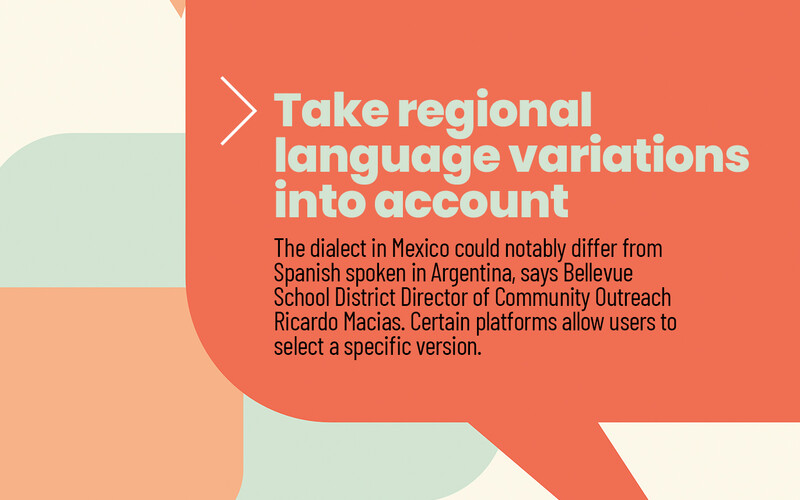
Washington’s Bellevue School District uses technologies from a variety of providers for translation purposes, including Microsoft Copilot and a platform that lets families receive and respond to texts in their preferred language, according to Ricardo Macias, director of community outreach.
“We use AI for translation, mostly for communication with families, email and things like that,” Macias says. “We’re a Microsoft district, so we use Teams, and we use Copilot for some interpretation. There is confidentiality we have to maintain when it comes to sensitive information; with Copilot, that part has been taken care of.”
Since introducing translation tools several years ago, the district has had more interaction with students’ parents, Macias says.
“Engagement with families who don’t speak English has increased a lot,” he says. “Teachers feel really confident communicating with families, and families feel more comfortable reaching out to schools.”
While the district has gotten some constructive feedback suggesting translated documents weren’t always 100% accurate, Macias believes that with regular use, AI-based language tools can help strengthen schools’ correspondence.
“AI does have that capability of learning your tone,” he says. “Copilot is learning the way we communicate with families to create messages that seem more authentic. It makes it feel like it actually comes from you, instead of something that was generated by a computer.”