Governance and Technology Tools Keep Data in Line
Wayland Public Schools standardized on Google Workspace for Education Plus as its productivity and collaboration suite, and Judkins now uses the suite’s built-in tools to implement governance policies, including multifactor authentication, single sign-on and data loss prevention (DLP).
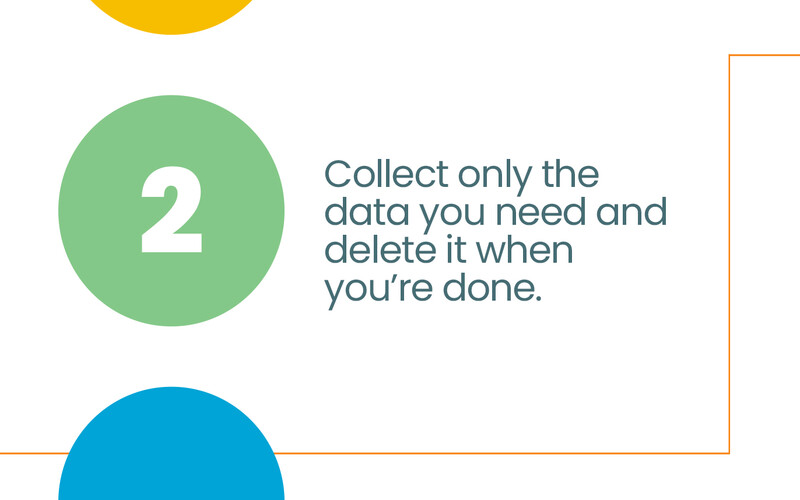
The district, which has five schools and about 2,700 students, also uses Google Vault for data retention and legal discovery. For artificial intelligence use, the district guides staff to use Google Gemini because it doesn’t train on prompts and data stays internal, she says.
When Judkins joined Wayland in 2024, Tebbenkamp’s challenge about documentation combined with the district’s impending adoption of a new student information system (SIS) led her to propose a formal data governance manual and a districtwide committee to finalize it. Leadership gave her the green light.
Judkins had previously drafted an early version of the manual as part of a course she took. She updated it and assembled a committee to discuss and finalize it. The committee — made up of district leaders, frontline staff and data stewards who are department heads accountable for specific student and staff data — determined who should see what data and why.
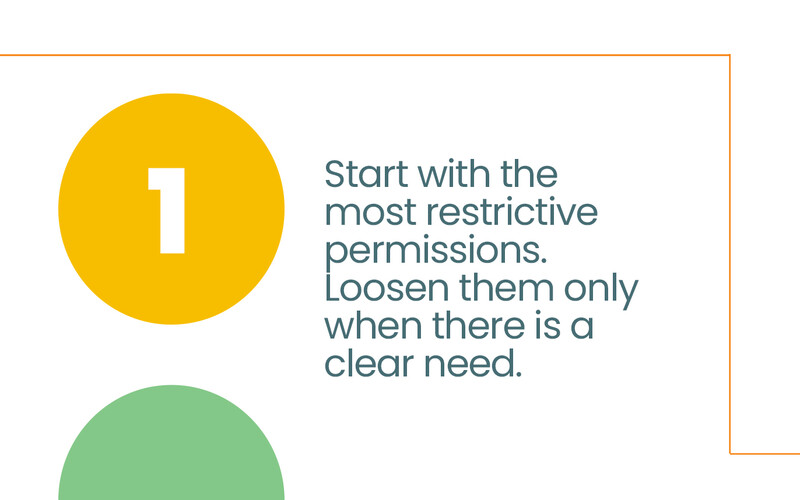
In the first meeting, Judkins explained why data governance matters and introduced core concepts such as least-privilege access, data classification and the data lifecycle. In two subsequent meetings, they reviewed what data the district collects, determined role-based access controls for applications and classified data by sensitivity level.
KEEP READING: Identity management makes schools less vulnerable to cybercrime.
The collaborative process resulted in a comprehensive, districtwide manual on data use and privacy, Judkins says.
“Without stakeholder buy-in, the work doesn’t take hold. Documentation and shared ownership have to work together for it to truly become part of how an organization operates,” she says.
The IT department configured role-based access inside the SIS and other applications. Principals now see only student records from their own schools and no longer have access to districtwide student data. Staff also get view-only access to data dashboards relevant to their work.
Most staffers use Google Authenticator for multifactor authentication, while Google single sign-on serves as the district’s primary identity hub, giving users access to district-approved applications through one set of credentials.
Wayland is also deploying ClassLink OneSync, an identity lifecycle management tool that automatically creates, updates and revokes access across systems based on SIS data. “We want to treat identity as a proactive security perimeter, so users have exactly what they need the moment they join, and access is revoked the moment they leave,” Judkins says.
After a third-party audit of its Google Admin Console settings, the district is expanding its use of Google’s DLP features, including the ability to tag sensitive files and apply rules that block external sharing.
“Our goal is to ensure governance happens in the background, so our teachers and students can focus on learning, knowing that the system is protecting their data automatically,” she says.
Automation is not enough, however. Before submitting reports to the state, Judkins routes them through data stewards for review. “Our philosophy is to trust but verify,” she says.