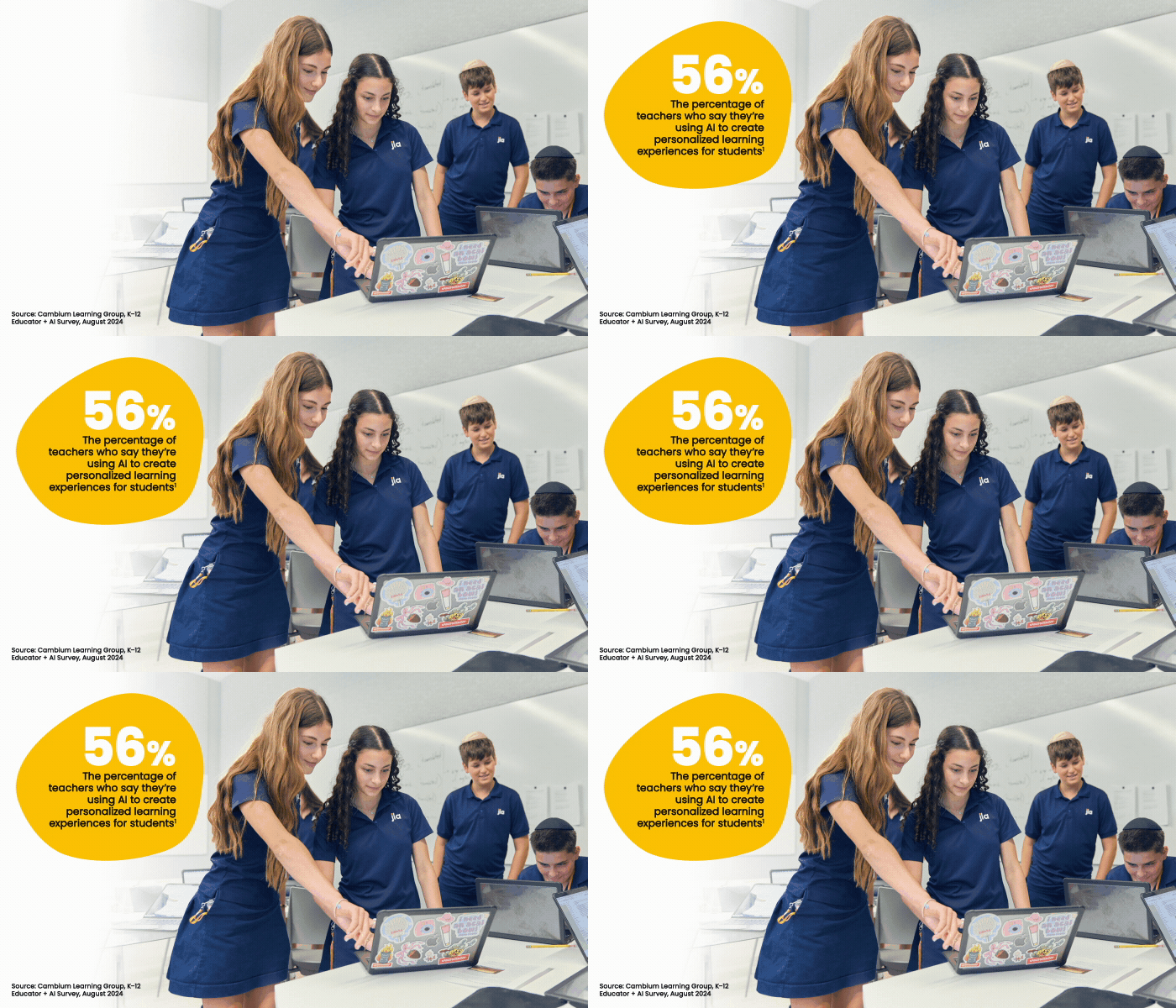
Artificial intelligence in a K–12 setting? At the Jewish Leadership Academy in Florida, they’ve never known it any other way.
Built from the ground up and opened in 2023, JLA classrooms were purposefully designed to support hybrid learning, with Zoom Rooms equipped with interactive flat panels, ceiling-mounted microphones and auto-tracking cameras. With a press of a button, teachers start their classes and class recordings. Then, a tool called Panopto — a video-hosting platform integrated with Zoom — automatically imports the recordings directly into the school’s learning management system.
As the class progresses and video is automatically captured, Panopto uses AI to catalog and time-stamp the recorded audio and video. Later, students can access it through their LMS courses, and they can search for specific spoken words and for text that was displayed on classroom screens.
“It allows students to learn, unlearn and relearn, anytime, anywhere and at their own pace,” says JLA Director of Technology Joaquin Infante. “They can watch the entire class if they missed it, or they can rewatch a particular part where a certain topic was mentioned or a question was raised.”
Click the banner below to understand how AI can help you build the classroom of the future.
Today, the school uses the term “hyper learning” to describe this AI-driven approach to extending the classroom. By leveraging their hybrid infrastructure and AI-enabled technologies such as Zoom and Panopto, they’re meeting students where they are to “accelerate the learning process,” Infante explains.
JLA instructors, for example, are using Zoom AI Companion to automatically generate lecture summaries that students can review at any time. Teachers can also deploy the tool’s agentic AI capabilities to generate and customize lesson plans, while students can use the same technology to take class notes and develop personalized study guides.
Most recently, JLA recently partnered with Flint “to take personalized learning to the next level,” says Infante. The company’s AI-powered platform is designed for a K–12 curriculum and, like the school’s other classroom solutions, integrates with its LMS.
Teachers use the tool to create custom lessons and activities aligned with individual student needs. They can track lesson engagement and progress in real time and identify areas where students may be struggling, then adapt their instruction accordingly. Students, on the other hand, can use the platform as a personal tutor — a conversational, subject-fluent chatbot that’s always ready to provide assistance.
If students don’t understand a concept from class, they can go back and take a copy of the lecture summary that Zoom generated and paste it into the program. Students also use the tool to translate lessons into other languages, and as a language-learning partner that’s perfectly matched to their personal speaking or writing level.
“It’s all about acknowledging that everyone learns in different ways and at different paces,” Infante says. With AI, he adds, “I think we’ve found the sweet spot for what personalized learning can look like.”
AI Tools Provide Differentiated Instruction for Every Student
National surveys show that parents want AI exposure in K–12 education, and teachers report that AI tools are saving valuable time and improving their work. Many schools have decided they’re ready to take the technology to the next level.
The first stage of AI adoption involved teachers using it to simplify lesson plan creation. Now, they’re also tailoring those lessons to match specific student needs, and some are even empowering students to create their own study pathways and materials. “Personalized learning” certainly isn’t a new concept for K–12; the difference today is how personalized it’s become as new AI-powered technologies expand what educators and students can do.
At Wichita Public Schools in Kansas, for example, teachers are using Microsoft 365 Copilot Chat to support differentiated instruction for students with individualized education programs. Similarly, at Fulton County Schools in Georgia, students are using Copilot to integrate their passions into classroom projects. And in Albuquerque Public Schools, teachers are using Google Gemini to identify and address student learning gaps.
APS, the largest school district in New Mexico, made Gemini available to instructors in 2024 before rolling it out to high school students last August.
“We took it slow at the start,” says Aaron Jaramillo, senior director of educational resources. “Everyone seemed to be jumping into AI, and we wanted to do it responsibly.”
The first order of business involved an extensive technology vetting process, gathering feedback from students and teachers and looking closely at vendor security policies. The district had been a Google customer for years, and ultimately decided that Google Workspace for Education Plus offered the advanced protections the IT department wanted. The solution includes a suite of AI tools designed specifically for K–12, and — through a free Chrome extension — integrates with a personalized learning platform the district likes called Brisk Teaching.
Also AI-powered, Brisk allows teachers to create activities and scaffolds for students based on their instructional goals. They can use the tool to track student engagement with classroom lessons, identify who is struggling and pinpoint which concepts need reteaching. Gemini, meanwhile, is primarily used to reshape lessons to fit.
“You can go in and prompt it to differentiate for X, Y and Z,” Jaramillo says. “If there’s a student with a visual impairment or special education needs, or just someone who would benefit from a different approach, now they can make those changes really quickly and efficiently.”
SUBSCRIBE: Sign up to get the latest EdTech content delivered to your inbox weekly.
District Guidelines Keep Learning On Track
Gemini is also making waves at Modesto City Schools (MCS) in California. According to Matthew Ketchum, director of educational technology, the tool is one of many AI solutions — Google’s NotebookLM, Copilot, ChatGPT and MagicSchool among them — that are approved by the district and available to teachers.
PowerSchool PowerBuddy, for example, helps teachers create assignments and discussions and serves as a personal tutor for students, guiding their learning using the Socratic method.
“In a math class, it might help them step by step, asking questions along the way or prompting them to ask their own questions,” Ketchum says. He also points to MagicSchool for its personalized applications. “It’s teacher controlled, with various settings they can use to tailor the AI to their students.”
That teacher oversight is critical, because without it there’s always the chance their AI efforts could go awry, Ketchum notes. In early 2025, MCS established a committee of teachers, students and parents tasked with establishing policies to ensure the technology was used responsibly. The result of that work — an AI guidebook — includes everything from core principles for ethical AI integration to key considerations for ensuring student privacy.
The guidebook also addresses practical applications for AI in the curriculum and talks about how the technology can support personalized learning. “It’s a look at what’s possible now that we have these AI tools available,” Ketchum says. “With everything evolving so quickly, it’s a place for people to start.”