





New Devices Can’t Hide on a District’s Network
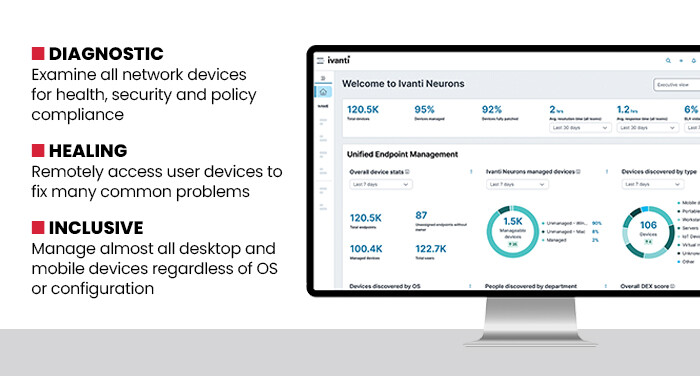
The first step with Ivanti UEM is discovery, which is extremely quick. Our test network was able to find Windows desktops and laptops, Android and iOS smartphones, several Chromebook tablets, and even a Raspberry Pi system (which is technically an Internet of Things device).
Once detected, information about all of those systems was moved to the central console, where the entire enterprise could be managed, monitored and protected. This discovery process is ongoing, so any new device that attempts to connect to a protected network is immediately discovered and categorized.
Find Support for Smaller IT Teams
The central management console gives a lot of useful information about the devices it’s watching, including what operating systems and versions the devices are running and whether they’re up to date with security patches.
From there, administrators can begin to set the policies that will be required for all devices to maintain access. Those policies can be extremely granular; for example, the finance team could operate under different rules than the front office staff.
IT leaders can also set up AI-informed alerts and automatic healing or problem-solving based on common security issues, freeing staff to concentrate on mission-critical tasks.
There is even a digital employee experience component to Ivanti UEM that measures how easy it is for people to access and use their applications. Based on that information, Ivanti UEM allows administrators to provision and configure applications so that they are easy to use and consistent across the organization.
Ivanti UEM makes it possible for smaller IT teams working in K–12 to manage, protect and streamline thousands of endpoints from a central location. It’s easy to deploy and operate, and can quickly scale up as needed. All of that makes it a great tool for those struggling to maintain their defenses as schools and districts continue to evolve.